Green or red, at a glance
The one question you open a fasting app to answer, answered before you read anything.
Fastd builds a week around the life you actually have, then runs it for you — no start button, no stopwatch to remember.
For iPhone · iOS 16.4 and later
A recording of the app: the Today screen with a fast running, the weekly plan, and the progress charts.
How it works
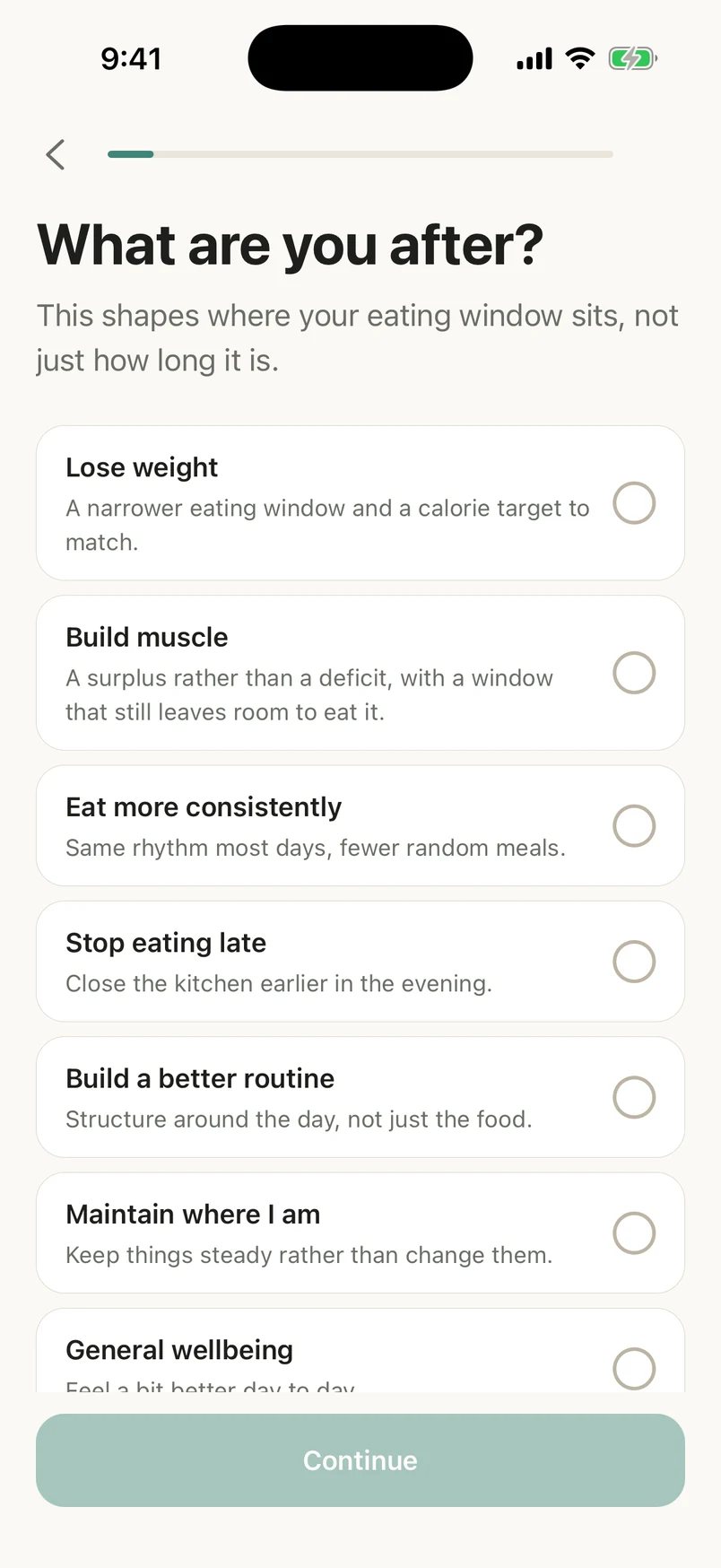
When you wake, when you eat, which evenings are social, how hard you want this to be.
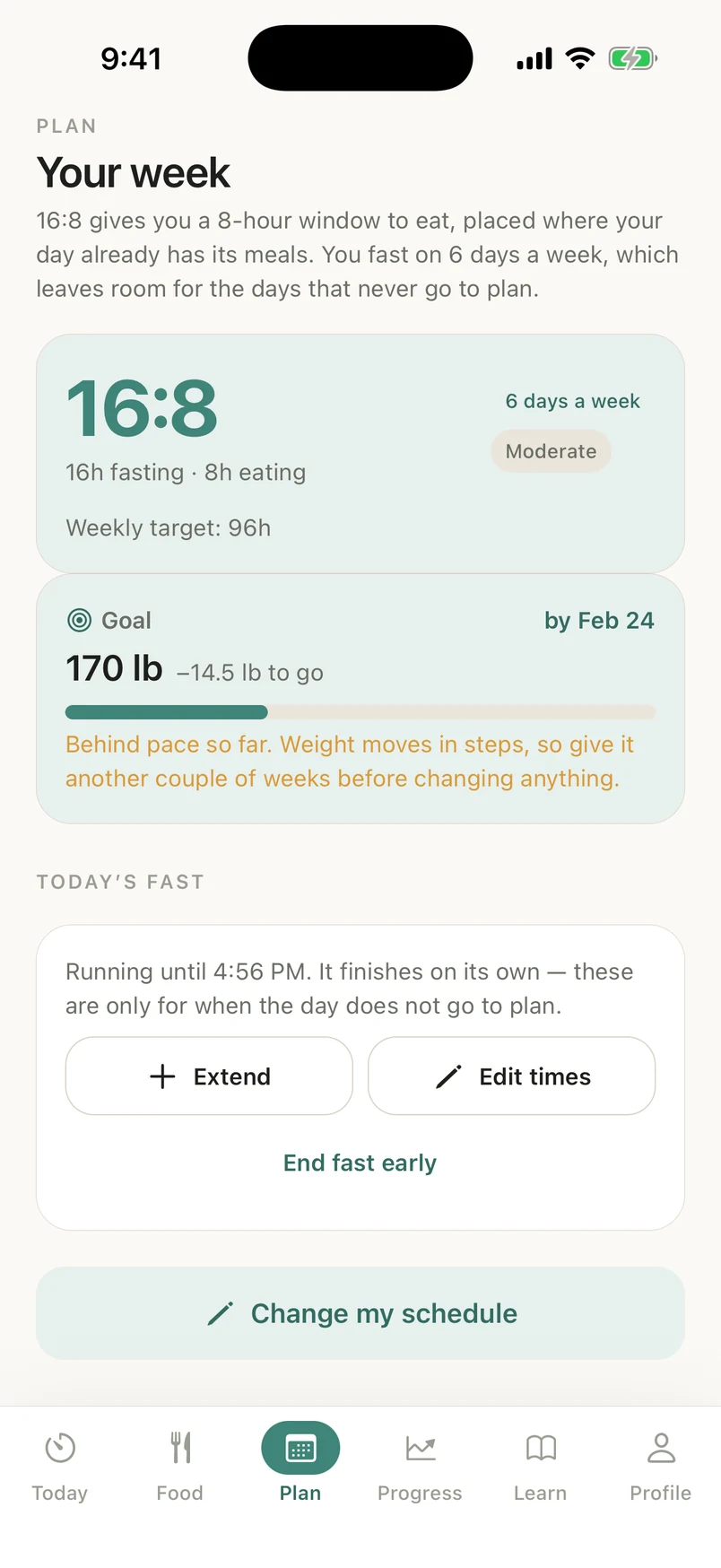
A different window for each day, rest days where your calendar needs them, and a calorie target to match.
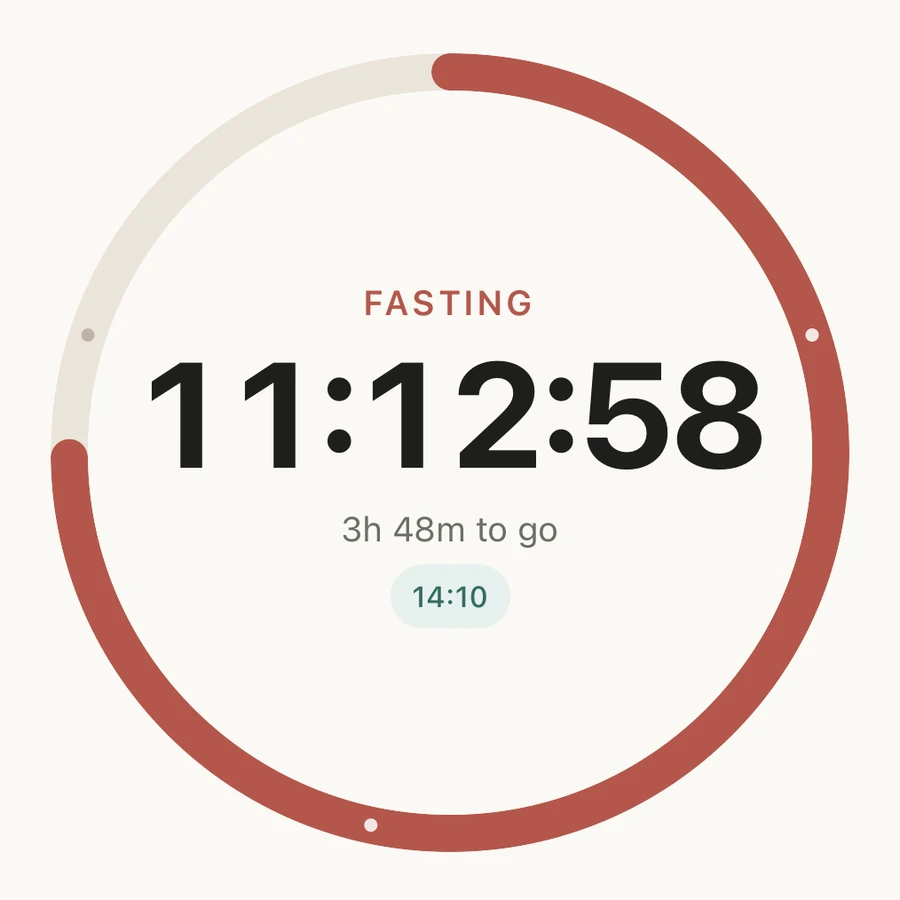
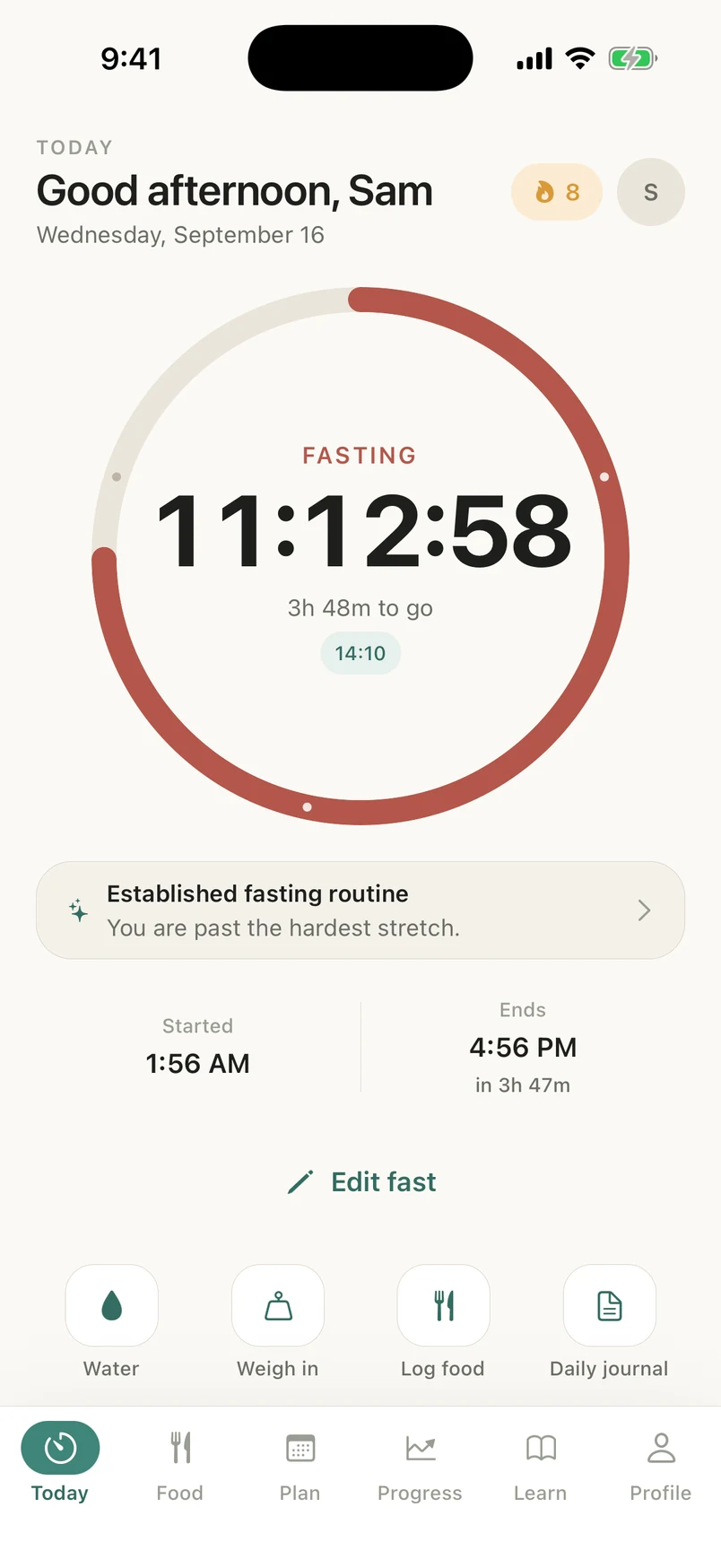
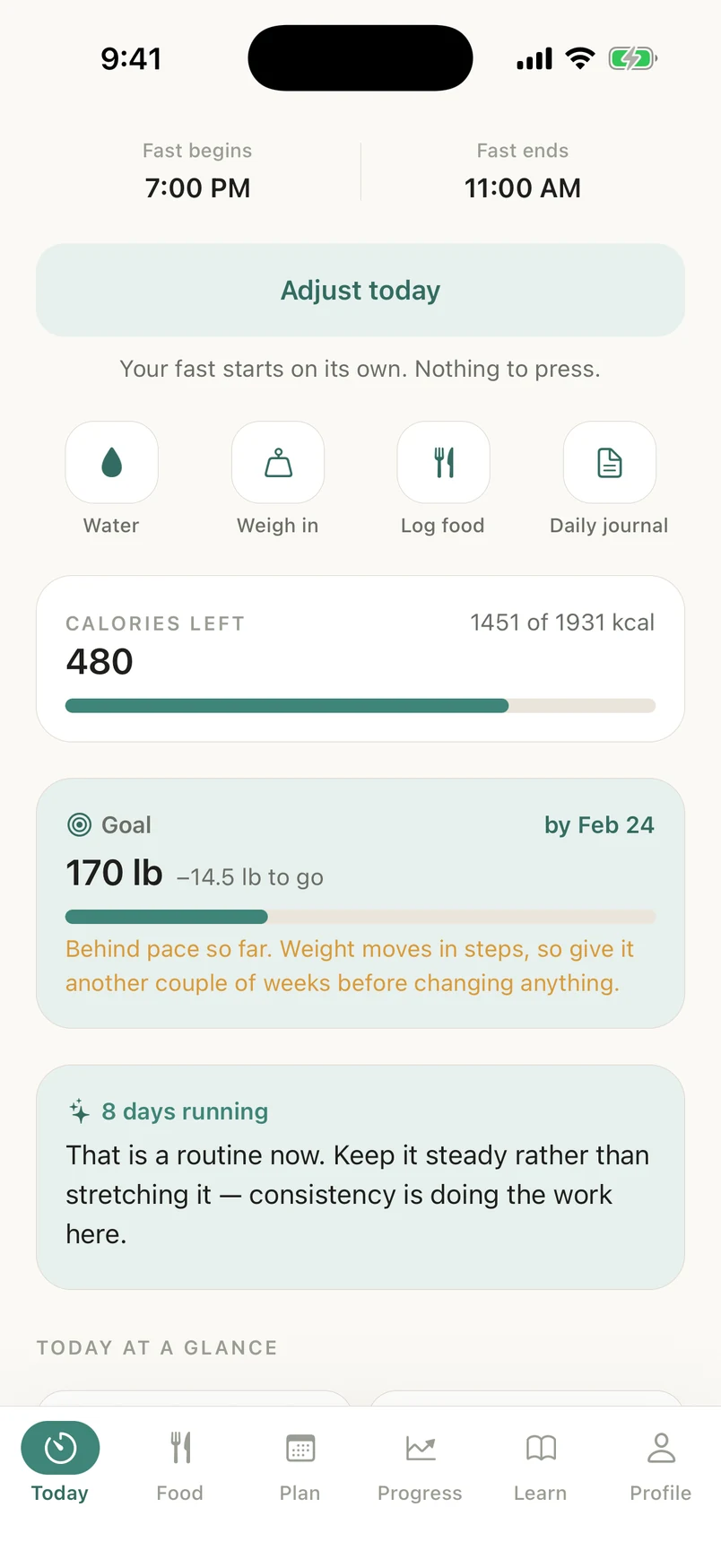
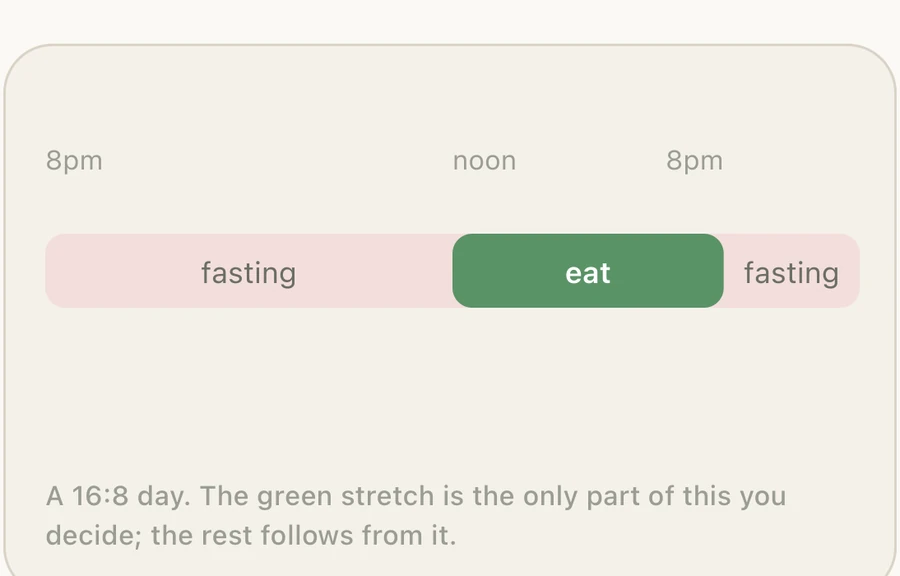
Fasts start and finish on their own. Green means your window is open, red means it is shut.
The timer
A phone timer needs you to remember it twice a day. Fastd already knows when your window opens and closes, so the fast begins and ends on its own.
It stays right whether or not the app is running. Close it, force-quit it, fly somewhere, let the battery die — the time it shows when you come back is the real one, because a fast is stored as two moments rather than a running count.
Green means your window is open. Red means it is shut. That is the whole interface.
Progress
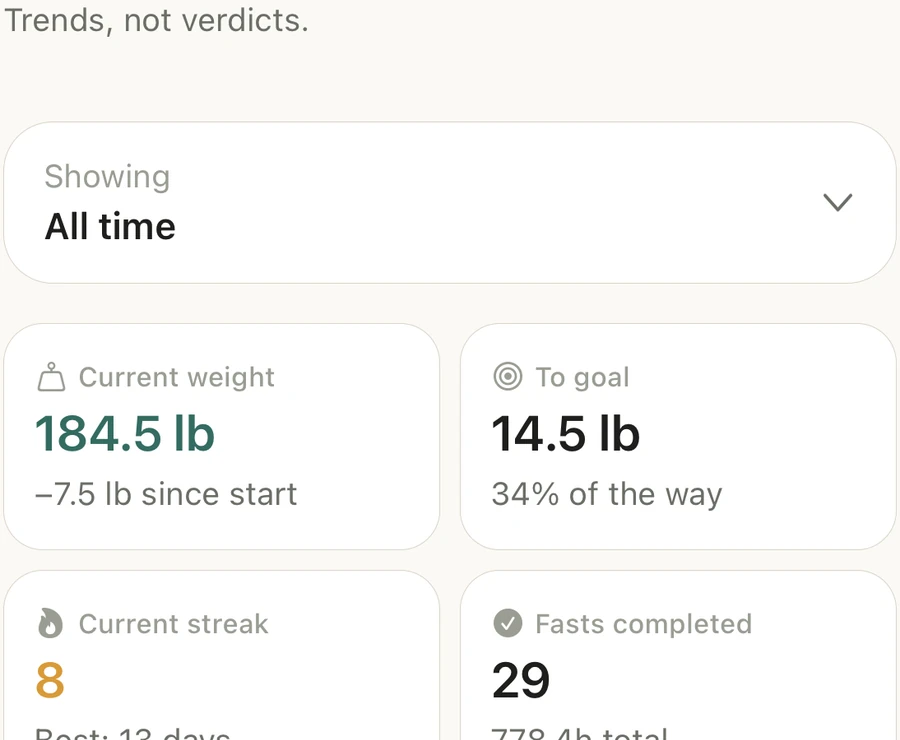
Any one of these on its own tells you very little. A weigh-in swings two pounds overnight on water alone; a streak says nothing about what you ate. Together they are the first honest picture of whether a plan is working.
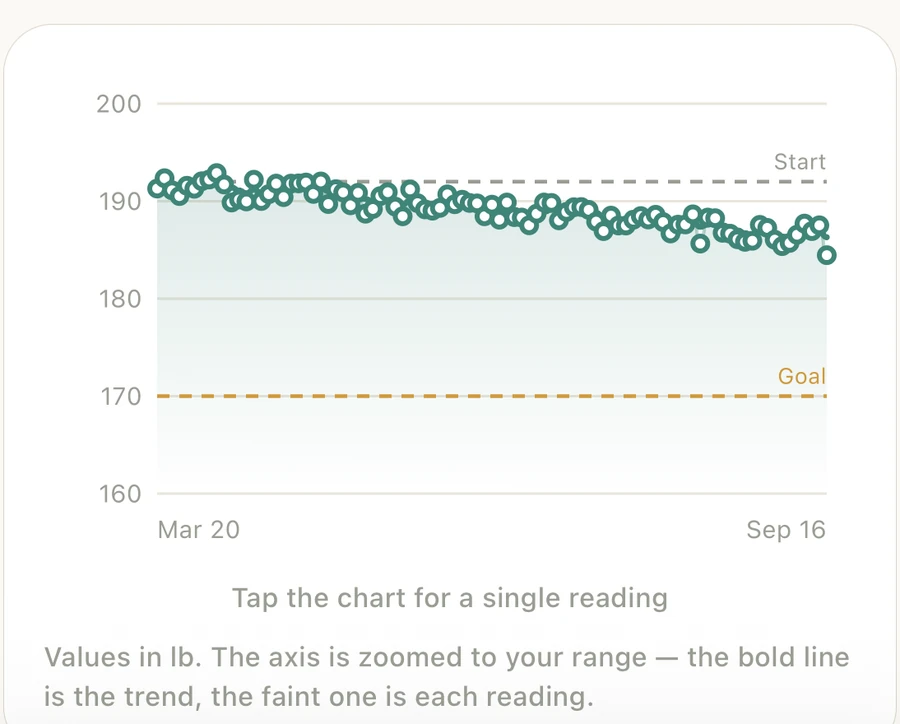
Every weigh-in is plotted, and the trend is drawn through them. The trend is the part that is actually moving.
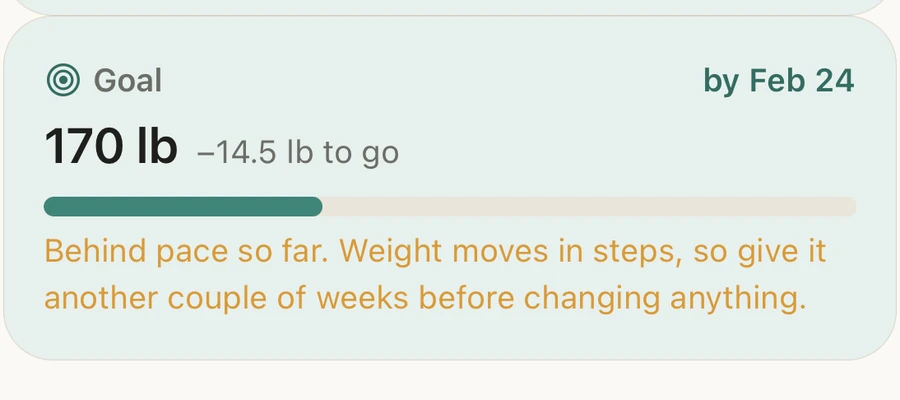
Estimated from your calorie target, shown as a range, and honest that it is an estimate.
Your plan
Most fasting apps ask you to pick 16:8 and wish you luck. Fastd asks when you wake, when you actually eat, which evenings are social and how hard you want this to be — then builds a different window for each day around the answers.
It is a set of rules, not a black box. The same answers always produce the same plan, every part of it is explained, and you can override any of it.
Change the protocol and it tells you what that does to your goal date before you confirm — and what it is likely to do to your hunger, focus and evenings.
Everything else
The one question you open a fasting app to answer, answered before you read anything.
Your fast begins and ends on schedule whether the app is open or not. Nothing to remember, nothing to forget.
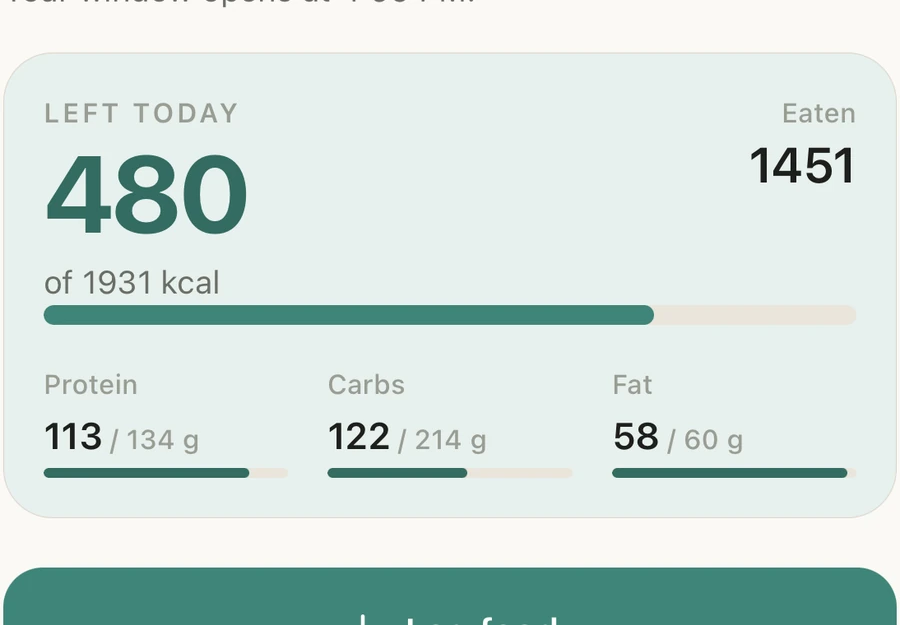
Worked out from your height, weight, age and how much you move — not a number you had to guess at.
One missed day a week will not break it. A counter that punishes an ordinary life is one people stop looking at.
Twenty-six illustrated reads on hunger, sleep, plateaus and safety — written to say where the evidence runs out rather than picking the more motivating answer.
A few hundred common foods built in, millions more by barcode, and anything missing you can add once and keep.
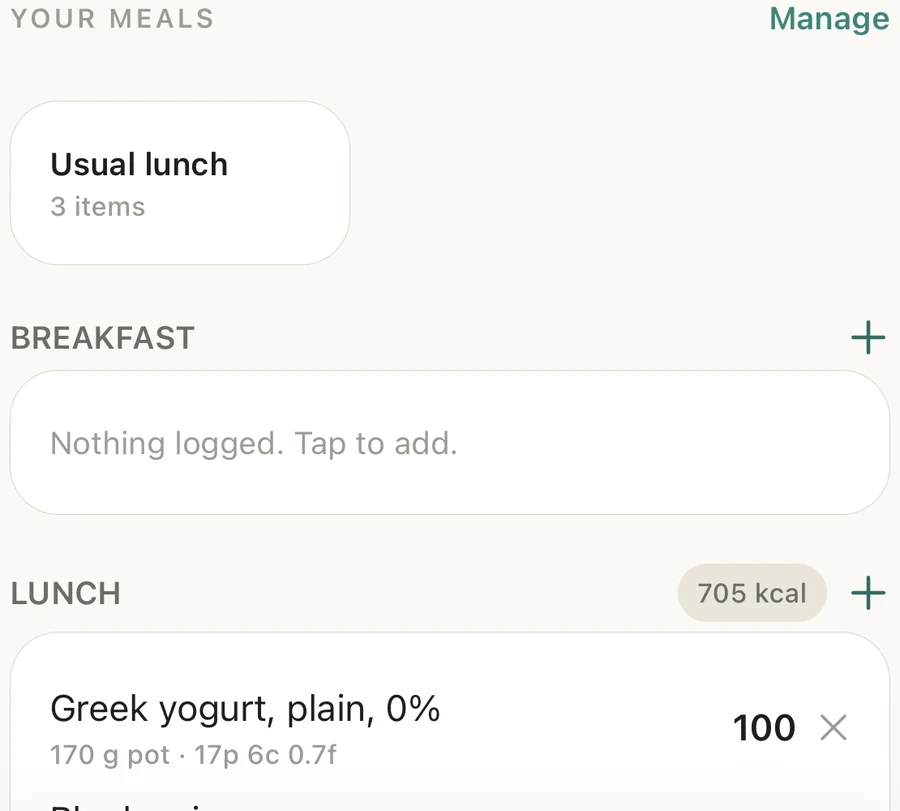
The lunch you eat four times a week, logged in one tap instead of five.
Streak, completed fasts, average length, and which weekday you actually struggle with.
Dinner moved? Move the window. Rest days never break a streak.
The plan changes shape depending on which one you picked — a bulk gets a wider window, not a narrower one.
Water, weigh-ins and the food diary each have their own switch. Anything you turn off leaves the app rather than sitting there at zero.
Who it suits
You get a real plan on day one rather than a blank timer and a shrug.
Shift work, travel, small children. The window anchors to your day rather than a fixed hour.
Better tracking than a stopwatch: trends, consistency, and a food log that keeps up.
Where we draw the line
Ending a fast early is one tap and is recorded as exactly what happened. Nothing scolds you.
A few health questions at the start restrict what the app will suggest. Some answers mean it will not build a plan at all.
Export it, or delete your account and everything with it, from inside the app.
Fastd does not diagnose, treat, or prevent anything, and it is not right for everyone.
Fastd is a general wellness app. It does not diagnose, treat, cure or prevent any condition, and nothing in it is medical advice. Intermittent fasting is not appropriate for everyone — including anyone under eighteen, during pregnancy or breastfeeding, with a current or past eating disorder, or alongside certain medications. Speak to a doctor or a registered dietitian who knows your history.
About the developer
The Gauntlet is an independent software studio focused on creating beautifully designed, intuitive applications that make everyday life a little easier.
We believe the best technology is the kind that fits naturally into your life. No unnecessary complexity, no distractions. Just thoughtfully crafted tools that solve real problems and make the things you do every day a little better.
Every application we develop is guided by a simple philosophy: great software should be accessible, enjoyable, and built with the people who use it in mind.
Made with intention. Built for you.
Questions
It asks about your routine, builds a weekly fasting schedule around it, and then runs that schedule for you. It also tracks weight, food, water and consistency so you can see whether any of it is working.
Yes. Beginners start at 14:10 — a later breakfast or an earlier dinner — and a four-week progression steps up from there only if you want it to.
Deterministic rules, not a model. Your experience level, the hours you keep, which evenings are social, the difficulty you asked for, and your health answers all feed into it. The same answers always produce the same plan, and every rule is one you can override.
No. Once you commit to a plan, fasts begin and end on their own. If you break one, you tell the app rather than the other way round.
Yes. The fast is stored as two moments in time rather than a running count, so it stays correct through a force-quit, a flat battery, a flight, or a daylight-saving change.
Any day, any time. Move today’s window, edit a single weekday, change the whole protocol, or add a rest day. Changing the protocol shows you what it does to your goal date before you confirm.
Yes — a calorie target worked out from your body, a food diary with a barcode scanner, saved meals, favourites and custom foods. You can switch the diary off entirely and keep the rest.
Both, and body measurements. Water, weigh-ins and the food diary each have their own switch, so anything you do not want to track leaves the app rather than sitting there at zero.
No. Fastd is a general wellness tool. It does not diagnose, treat or prevent anything, and fasting is not appropriate for everyone — including during pregnancy, with a history of disordered eating, or alongside some medications. Talk to a doctor or a registered dietitian who knows your history.
Your data lives on your device and is saved to your account as you log it. You can export it, or permanently delete your account and everything with it, from inside the app.
Not yet. Fastd is an iPhone app.
Answer a few questions and Fastd builds the week. After that it runs on its own.
For iPhone · iOS 16.4 and later